 Trending
Part 1, Real love can't be bought. It comes from the heart, not appearances. ❤️
14M views · 5 days ago
Make one like thisDashShorts AI shorts maker
Tell DashShorts what you want. It writes the script, records the voiceover, adds captions and pacing, picks the visuals, and hands you a vertical video ready for TikTok, YouTube Shorts and Reels.
Making videos for a side hustle? DashShorts helps you make them faster. See how
Create your first videoTrending14M views · 5 days ago
Make one like this Trending
3.8M views · 6 days ago
Make one like this Trending
3.4M views · 6 days ago
Make one like this Trending
1M views · 4 days ago
Make one like this Trending
2.1M views · 3 days ago
Make one like this Trending
558K views · 6 days ago
Make one like this Trending
1.2M views · 12 hours ago
Make one like this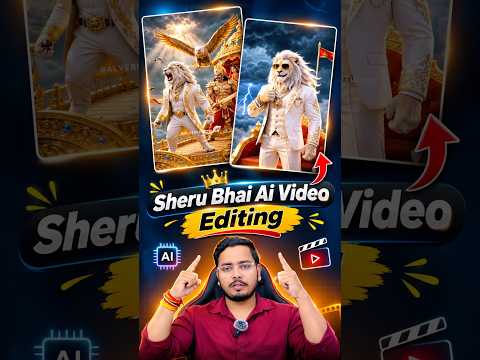 Trending
685K views · 5 days ago
Make one like this Trending
400K views · 6 days ago
Make one like this Trending
507K views · 5 days ago
Make one like this Trending
833K views · 5 days ago
Make one like this Trending
150K views · 6 days ago
Make one like thisWhole stories from one idea.
Real videos made with DashShorts. No editing.
Short explainers about side hustles, made with DashShorts. Tap one to watch.
Planning to earn money from your videos? You'll need the Creator or Pro plan.
One vertical video, with the script, voice, captions, pacing, and visuals included.
No editing skills, no timeline, no learning curve.
Type a topic, paste a story, or drop in a rough script. A sentence is enough.
Pick a voice, a caption style and a look. Change any line you don't love.
Download a vertical video ready for TikTok, YouTube Shorts or Reels.
Popular styles are ready to go. And if you can describe it, you can make it.
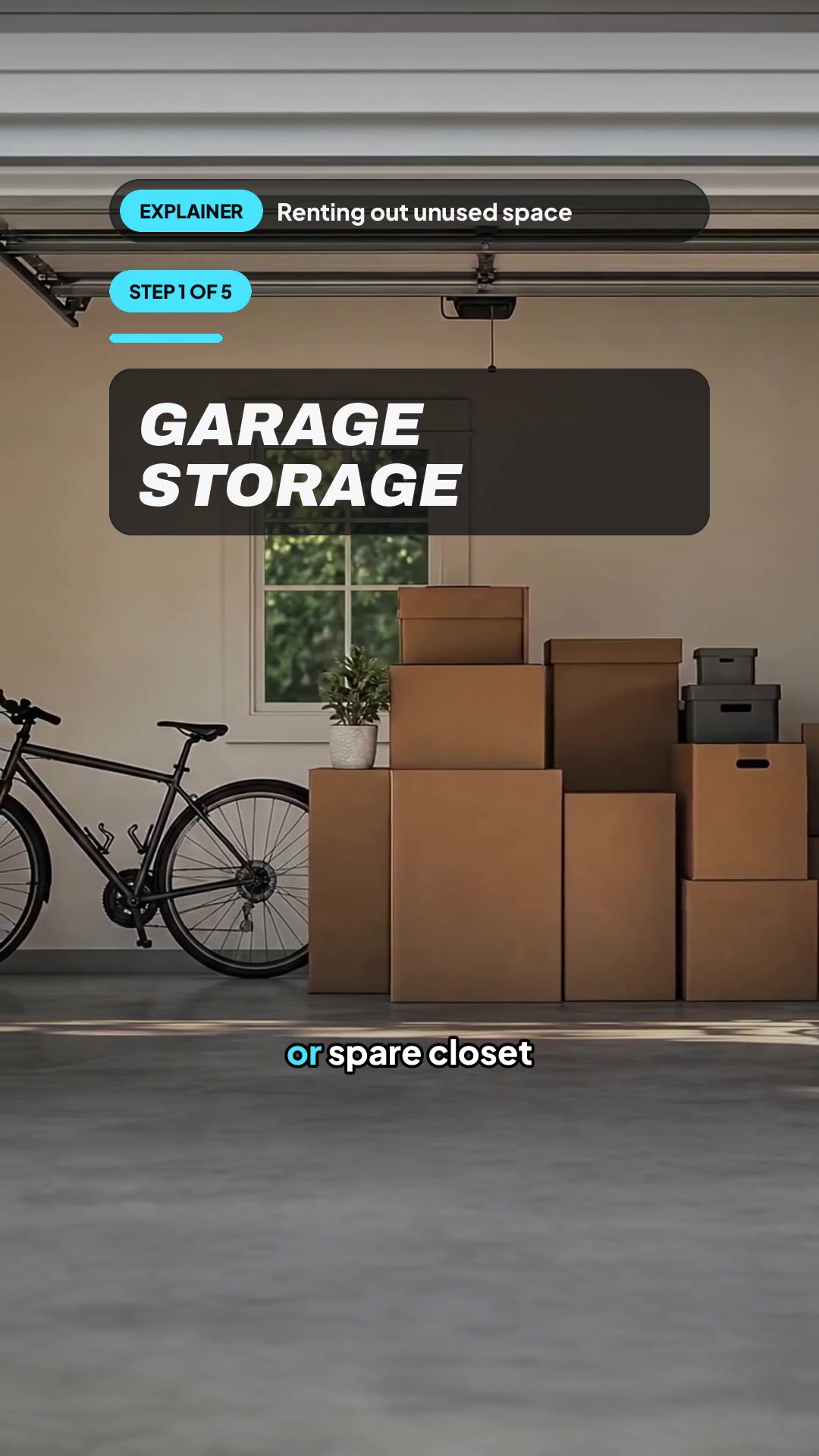 Official sample
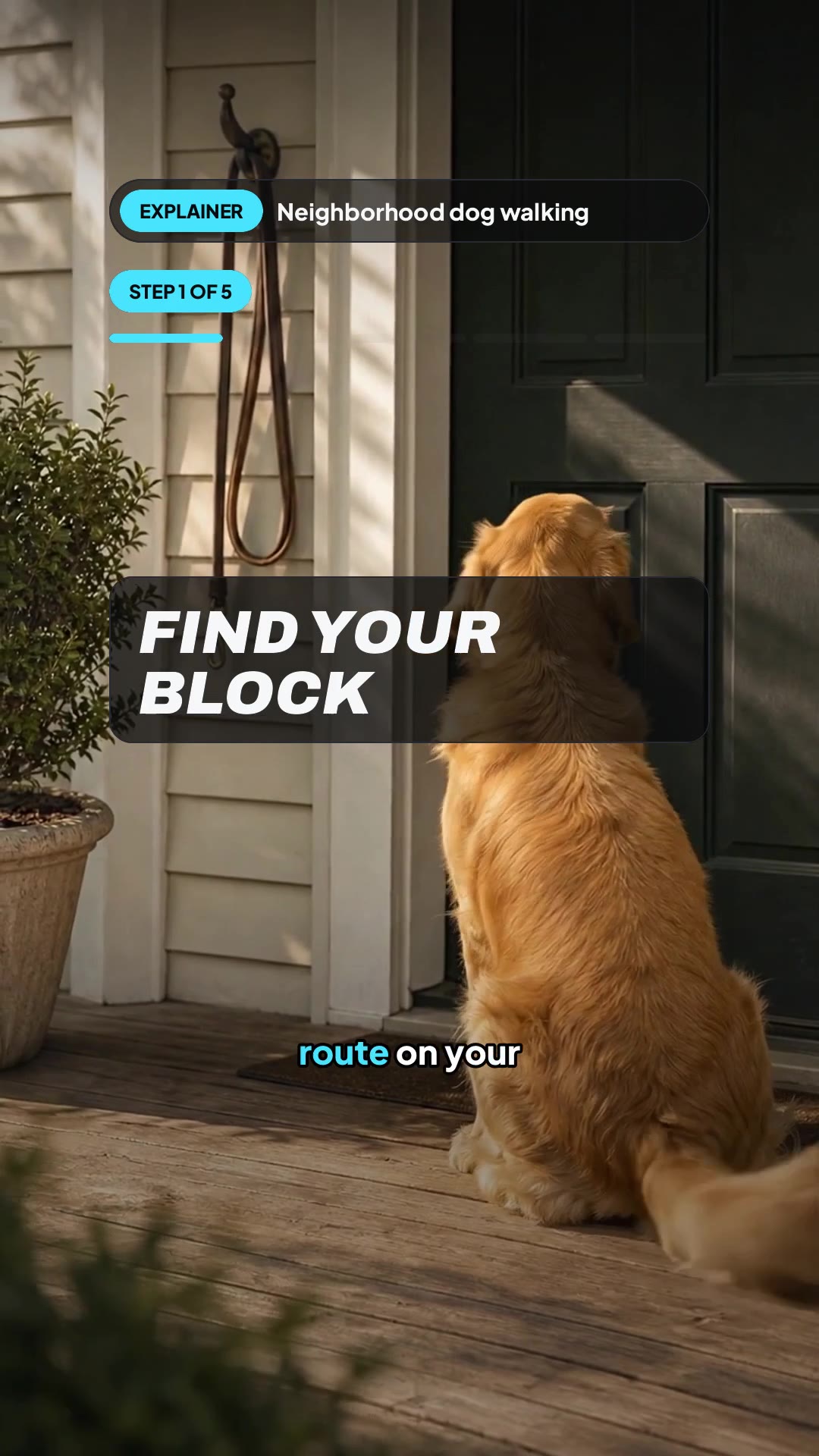 Official sample
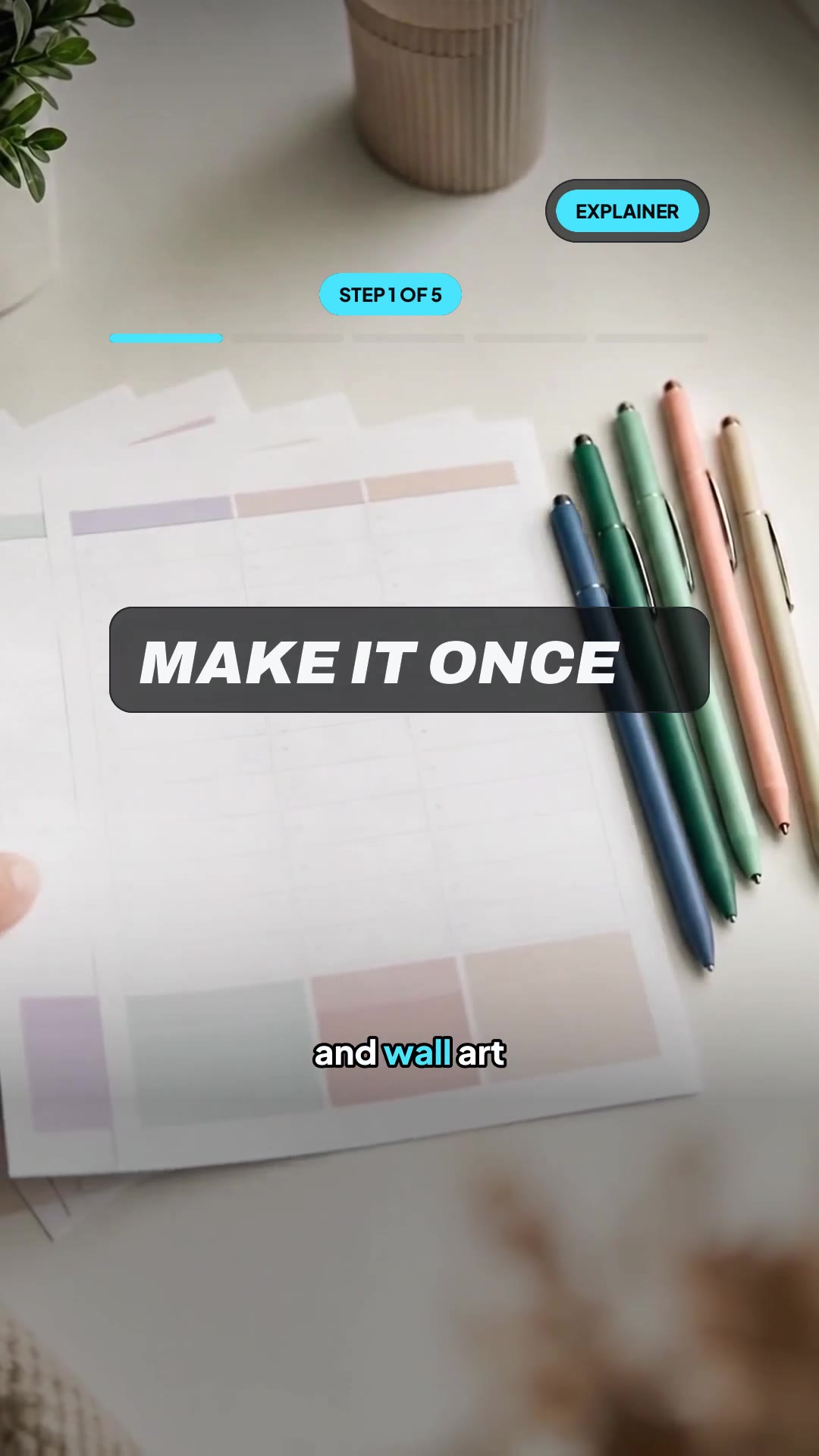 Official sample
Integrated tools designed to understand the algorithm
Turns a rough idea into a tight, hook-first script.
Natural voices with the right energy for the story.
Bold, timed captions that keep eyes on screen.
Cuts and timing tuned for short attention spans.
Stock clips matched to every line, or AI images made for each scene.
Sized and ready for TikTok, YouTube Shorts and Reels.
3 free credits to try.
1–2 credits per standard short · about 11 or more for AI video.
A 15- or 30-second short is 1 credit. A 60-second short is 2 credits. AI video makes an AI clip for each scene and is priced per clip, by the video model you pick: a typical 30-second short is 11 credits on Veo 3.1 Fast, the default, or 36 credits on Seedance 2.5.
Promoting a shop or business? That's commercial use. You'll need Creator or Pro.
Sign in with your email and your plan will be waiting.
Plans are billed monthly when you check out. Credits are only used when you approve a storyboard.
Something else on your mind? Email us at help@dashshorts.io, or visit Support.
An AI shorts maker. Describe the video you want and DashShorts writes the script, adds a voiceover, captions, pacing and visuals, then exports a vertical video for TikTok, YouTube Shorts and Reels.
Starter is $9 per month for 10 credits. Creator is $35 per month for 50 credits. Pro is $59 per month for 100 credits. Renews monthly, cancel anytime.
A 15- or 30-second short is 1 credit. A 60-second short is 2 credits. AI video makes an AI clip for each scene and is priced per clip, by the video model you pick: a typical 30-second short is 11 credits on Veo 3.1 Fast, the default, or 36 credits on Seedance 2.5.
Sign in with your email and your plan will be waiting.
DashShorts makes vertical 9:16 videos sized for TikTok, YouTube Shorts and Instagram Reels. Download the finished video and post it wherever you like.
None. If you can describe the video in a sentence, you can make it. You can still tweak the script, voice, captions and look before you export.
You own the finished video as a whole, but stock clips, voices, and generated pictures or clips inside it stay under their own licenses. Commercial use (YouTube monetization, ads and client work) is included only while a Creator or Pro subscription is active, and a video made during that time keeps its commercial license after Creator or Pro ends. Without an active Creator or Pro subscription, videos made with Starter credits, pack credits, or free or bonus credits are for personal, non-commercial use only.
Yes. Background music in DashShorts is AI-generated instrumental music. You can use it in videos you make with DashShorts, including monetized YouTube, TikTok and Instagram posts when the video is made with an active Creator or Pro subscription (videos made without an active Creator or Pro subscription are for personal use only). You can't download or resell the tracks on their own, or register them with YouTube Content ID. See our Terms for details.
Yes, with the Creator or Pro plan. Starter is for personal use only. DashShorts helps you make the videos for your side hustle faster. Monetizing those videos is up to each platform’s rules. Commercial use, including monetized posts, needs an active Creator or Pro subscription. DashShorts does not promise income, earnings, or results. See the Terms and Pricing.